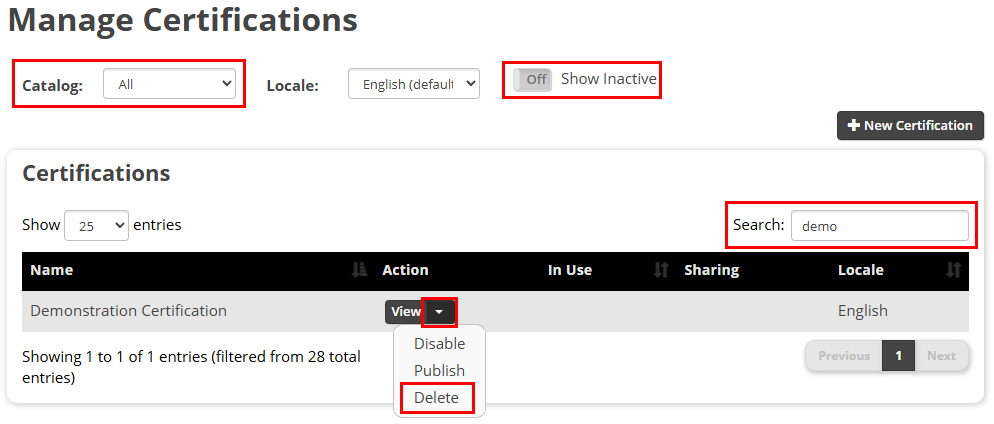
On the Admin menu, select Training > Manage Certifications or Training > Manage Curricula. This example will focus on a Certification, but the process is the same for both.
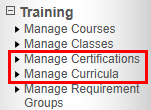
On the Manage Certifications page, all certifications are displayed. Use the Catalog dropdown menu, the Search box, and the Show Inactive slider to narrow your results. From the list, use the dropdown menu on the View button to expand the options and select Delete.